Features for AI-Native Business Platform
Start with one business workflow, prove value, then expand the operating layer.
AI assistance inside the business workflow
Use governed AI to summarize client context, draft follow-ups, flag stale work, and prepare reports while keeping people in control.
- Human review
- Context summaries
- Follow-up drafts
- Reporting support
- Risk flags
- Auditability

Build custom views without writing a single line of code
Drag-and-drop components onto any page. Bind fields to live data. Create custom layouts for contacts, deals, projects — anything. Your team gets exactly the view they need.
- Drag-and-drop editor
- Live data binding
- Custom layouts per team
- No developer needed
- Template library
- Component marketplace

One workflow from sales to reporting
Start with the client records, work queues, reports, and handoffs needed for the first pilot, then expand after value is proven.
- Sales context
- Delivery work
- Support handoffs
- Operating reports
- Follow-up queues
- Expansion path
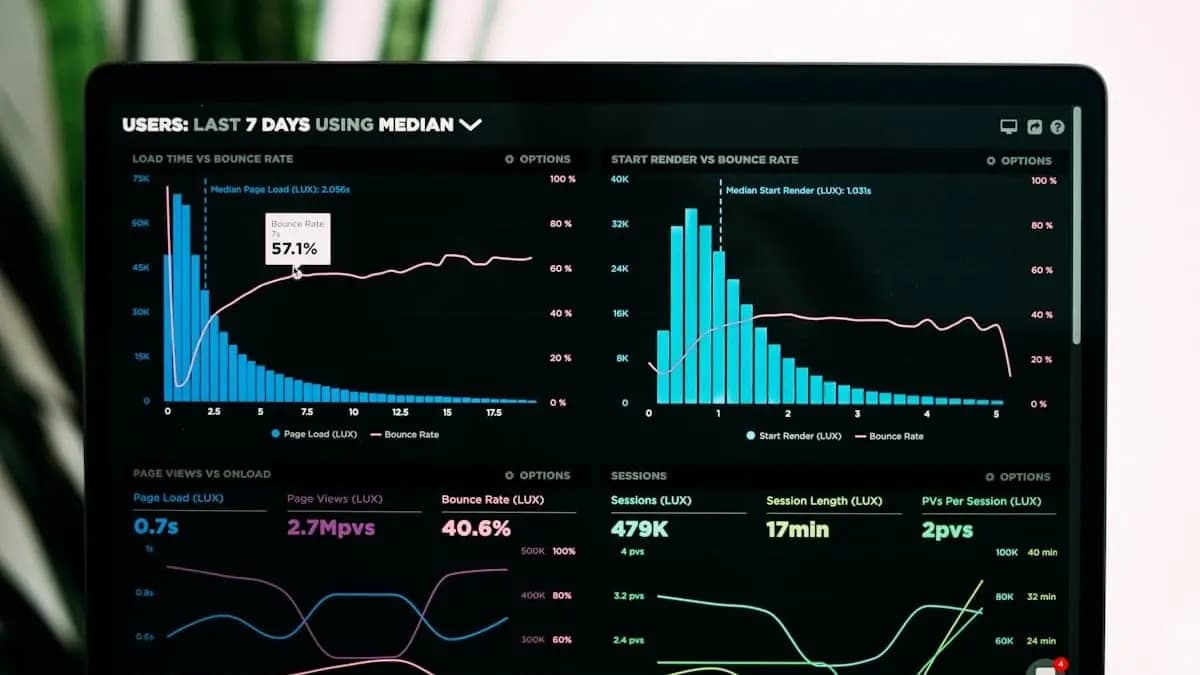
Platform areas that support the first workflow
The platform has breadth, but launch value comes from proving the smallest workflow that connects client records, tasks, reporting, and follow-up.
Automations that support the pilot workflow
Automation should remove handoffs, stale work, and reporting effort in the first workflow before expanding into more operations.
New lead created
AI scores, assigns to rep, sends welcome email
Deal stage changes
Update forecast, notify manager, create follow-up task
Support ticket opened
AI classifies priority, routes to team, suggests resolution
Invoice past due
Send reminder, escalate after 7 days, flag in dashboard
Employee onboarding
Create accounts, assign training, schedule check-ins
Stock level low
Generate purchase order, notify supplier, update forecast
Import your data from anywhere
Moving from Salesforce, HubSpot, or Monday.com? Our migration engine handles the entire process — connect your account, let AI map your fields automatically, preview the results, and import.
- Salesforce import
- HubSpot import
- Monday.com import
- CSV/Excel upload
- AI field mapping
- Preview before import

Calls, meetings, and email — all in one timeline
Connect Zoom for click-to-call and video meetings. Sync Gmail or Outlook to see every email on the contact timeline. Every interaction is automatically logged.
- Zoom Phone integration
- Zoom Meetings
- Gmail & Outlook sync
- Unified activity timeline
- Click-to-call
- Auto-logging

Multi-tenant isolation you can trust
Database-level Row-Level Security means your data is isolated at the most fundamental level. Combined with encryption at rest, JWT authentication, and comprehensive audit logging.
- Row-Level Security
- Encryption at rest & in transit
- JWT authentication
- Audit logging
- Role-based access
- Security review support

Connects with the tools you already use
Bring in data from your existing stack, or use our API to build custom integrations.
Salesforce
HubSpot
Zoom
Gmail
Outlook
Slack
Google Drive
WordPress
Stripe
QuickBooks
GitHub
REST API
Integration scope should be defined during the demo so the pilot stays focused.
See it in action
Start with a demo and prove one workflow before expanding.